Quick answer: macOS has no Halloween screen saver, so make one. Put a few spooky photos in a folder, then open System Settings > Wallpaper > Screen Saver, choose Custom, click Photos, then Options > Choose Folder. Use the same pictures as wallpaper under Your Photos, and switch to Dark mode with an orange accent.
Search for a Halloween screensaver for Mac and you get a trip back to 2008: haunted houses for Mac OS X, download sites full of graveyard scenes, and little sign of recent updates.
A current Mac can do most of it with settings it already has. Twenty spooky photos and ten minutes get you a screen saver, a matching wallpaper and a desktop that looks dressed for the occasion.
Does macOS have a Halloween screen saver?
No. Apple's Screen Saver settings guide lists the built-in choices: the aerials, which can shuffle on a timer, plus a short list of others under "Other", one of which is Photos. None of them is seasonal.
Photos turns any folder of pictures into a screen saver, so the Halloween part comes down to which pictures you give it.
How do you make a Halloween screen saver on a Mac?
Point the Photos screen saver at a folder of Halloween pictures. Make a folder somewhere sensible (Pictures is fine) and call it Halloween. Fill it with pumpkins, bats, foggy woods, your cat looking sinister, whatever you like. Then follow Apple's guide to using photos as your screen saver:
- Open System Settings from the Apple menu and click Wallpaper in the sidebar.
- Click Screen Saver, then select Custom.
- Scroll down to Other and click Photos.
- Click Options, open the pop-up menu and choose Choose Folder. Pick your Halloween folder and click Choose.
- Click Style if you want a different transition, then click OK.
Pick a folder, not an album. In one Apple Community thread, users report that a Photos album as the source only ever showed part of the album, and the workaround they settled on was a plain folder of the same pictures. A folder also makes it easy to put everything back on 1 November.
Back on the Screen Saver page, "Start Screen Saver" sets how long the Mac waits before it appears. A shorter delay gives it more chances to haunt you.
Where can you find Halloween wallpapers for a Mac?
Unsplash is the safest free source. Its licence says images "can be downloaded and used for free", for personal or commercial use, without asking permission. Search for Halloween, pumpkin or fog and download the largest size so it stays sharp on a Retina display.
Most other results for "halloween mac wallpaper" are wallpaper sites and app listings that do not say who made the image or what you may do with it. Fine for a quick look, but stick to sources that state a licence, especially if you plan to share a screenshot.
Your own photos work too. That pumpkin you carved last year is a better wallpaper than most stock pumpkins, and nobody else has it.
How do you set one as your wallpaper?
Open System Settings > Wallpaper. Apple's Wallpaper settings guide says "Your Photos" holds the photos, folders and albums you have added, so you can use the same Halloween folder for the wallpaper and the screen saver.
Want it to move? Our guide to making your Mac aesthetic covers animated wallpaper with a free app that shows an animated GIF as the desktop. A looping candle flicker works rather well.
Are there Halloween screen saver apps for Mac?
Jack-O-Lantern by Killer Robots is a 3D carved pumpkin with a flickering candle, offered at name your own price on itch.io. The page lists Mac OS X 10.13 or later and gives no release date or note on recent versions of macOS, so check that it runs on your version of macOS before relying on it. The Jack-O-Lantern app on the App Store is the iPhone and iPad version, not the screen saver.
If macOS refuses to open a download like this, Apple's guide to opening an app from an unknown developer shows the Open Anyway button in Privacy & Security, and warns that overriding these settings is a common way Macs get malware. If you would rather not, the folder method above needs no download at all.
My Halloween by Stefan Van Damme is a countdown rather than a screen saver. It is £1.99 on the Mac App Store, needs macOS 15 or later, and its privacy label says the developer does not collect any data. The countdown can be a jack-o'-lantern, a ghost or a gravestone, and the developer's page shows strings of pumpkin lights across the desktop.
How do you make the rest of your Mac look spooky?
The wallpaper does most of the work. A few settings make everything else match it, and our aesthetic Mac guide has the full steps for each:
- Dark mode and an orange accent. System Settings > Appearance. Orange buttons on a dark window look like a pumpkin lantern.
- Orange folders. The Tinted icon style recolours folders, icons and widgets together, or Customise Folder does one folder at a time.
- A pumpkin pointer. Accessibility > Display lets you set the pointer's fill and outline colours. Orange fill, black outline.
- A spookier alert sound. System Settings > Sound has the built-in sounds; a custom AIFF can go in your user Library's Sounds folder.
On a MacBook, LidAngleSensor, from our list of fun Mac apps that do nothing useful, can play a creaking door when you open the lid slowly. In October, that counts as decoration.
A ten-minute Halloween makeover
- Make the folder. Twenty or so Halloween pictures from Unsplash or your own camera roll, in one folder in Pictures.
- Set the screen saver. Wallpaper > Screen Saver > Custom > Photos > Options > Choose Folder.
- Set the wallpaper. Pick the best picture from the same folder under Your Photos.
- Match the colours. Dark mode, orange accent, orange folders.
- Note what you changed. On 1 November you will want it all back, and you will not remember which grey it was.
A cauldron for the Dock
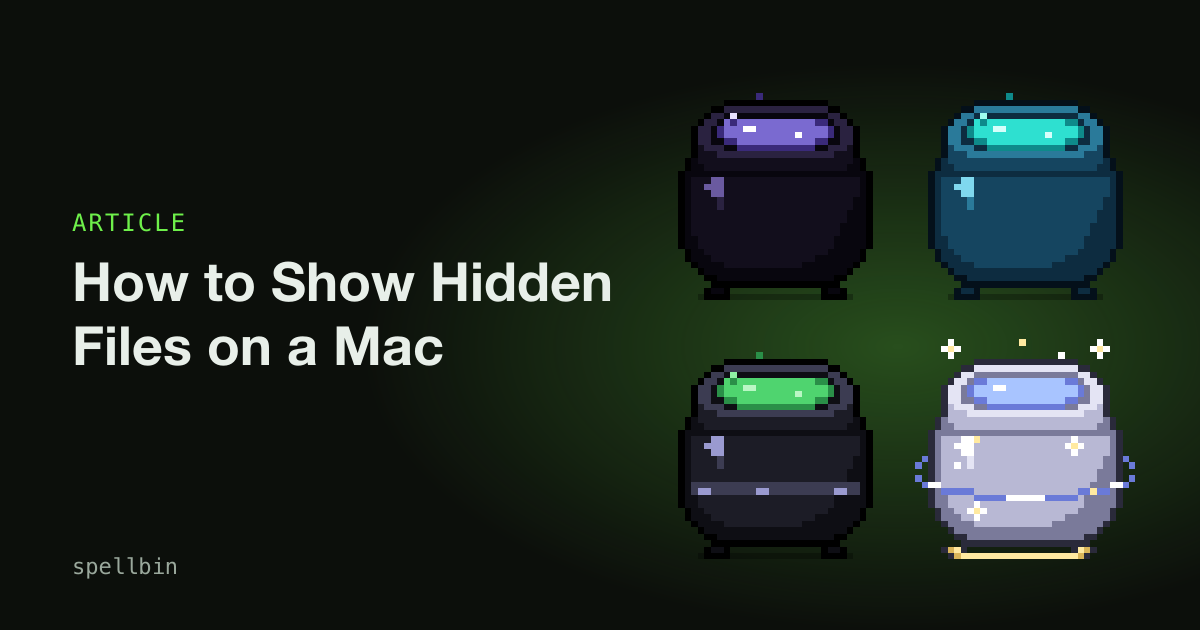
Halloween is the one time of year a cauldron in the Dock looks like it belongs there. Spellbin is our own small paid Mac app: a pixel-art cauldron that sits beside the Bin. Drop a file on it and a green flame carries the file's thumbnail up and dissolves it, and the file goes to the real Bin underneath.
Achievements unlock new cauldron skins as you go. The two that suit the season are Witchfire and Bone, which has a skull floating in the acid. It will not clean your Mac or make it faster. It is there to be looked at. You can download Spellbin, and the getting started guide covers skins and how to unlock them.
A Halloween Mac is one folder of spooky photos, used twice.
Frequently Asked Questions
Is there a Halloween screen saver built into macOS?
No. macOS screen savers are the aerials, a short list of others and Photos, and none of them is seasonal. The Photos screen saver is the easiest way to get a Halloween one: point it at a folder of Halloween pictures under System Settings > Wallpaper > Screen Saver, and it shows them in turn.
How do I use my own photos as a Mac screen saver?
To use your own photos as a Mac screen saver, open System Settings > Wallpaper > Screen Saver and select Custom. Scroll to Other, click Photos, then Options, and choose Choose Folder or your Photo Library. Pick the folder, click Choose, then OK. Style changes how the photos move between each other.
Can you have an animated Halloween wallpaper on a Mac?
Yes, but not with the built-in settings alone. macOS wallpapers are still pictures, apart from Apple's own aerials and dynamic wallpapers. A free app such as Plash can show an animated GIF or a web page as the desktop, so a looping candle or a fog animation will play behind your windows.
Are old Halloween screen savers safe to install on a Mac?
Treat old Halloween screen savers with caution. A download from an unknown developer may not be built for current macOS, and macOS may block it. If you are asked to override Gatekeeper with Open Anyway, Apple warns that this is a common way Macs get malware. A folder of photos does the same job without a download.
How do I change my Mac back after Halloween?
To undo a Halloween Mac, open System Settings > Wallpaper and choose your old wallpaper, then pick your previous screen saver under Screen Saver. Set Appearance back to your usual colour and icon style. Deleting the Halloween folder removes the pictures from both places, so keep it if you want the same setup next October.
Final Takeaways
- Make your own. macOS has no Halloween screen saver, but the Photos screen saver turns any folder into one.
- Use a folder, not an album. It is easier to manage, and one Apple Community thread reports albums showing only in part.
- Check the licence. Unsplash states its terms; most wallpaper sites do not.
- Be wary of old downloads. Some predate current macOS. Skip anything that needs a security override.
- Match the rest. Dark mode, an orange accent and orange folders finish the look in a few minutes.

Josh Ibbotson
Josh is an indie developer in the UK. He makes Spellbin, a pixel-art cauldron for your Dock, and Gym Note Plus.
Feed the cauldron
Spellbin is $1.99 once, for macOS 14 or later, with a 14-day money-back guarantee. Drop files on it, unlock skins, keep your Desktop tidy.
Get Spellbin for $1.99Already bought Spellbin? Download it here