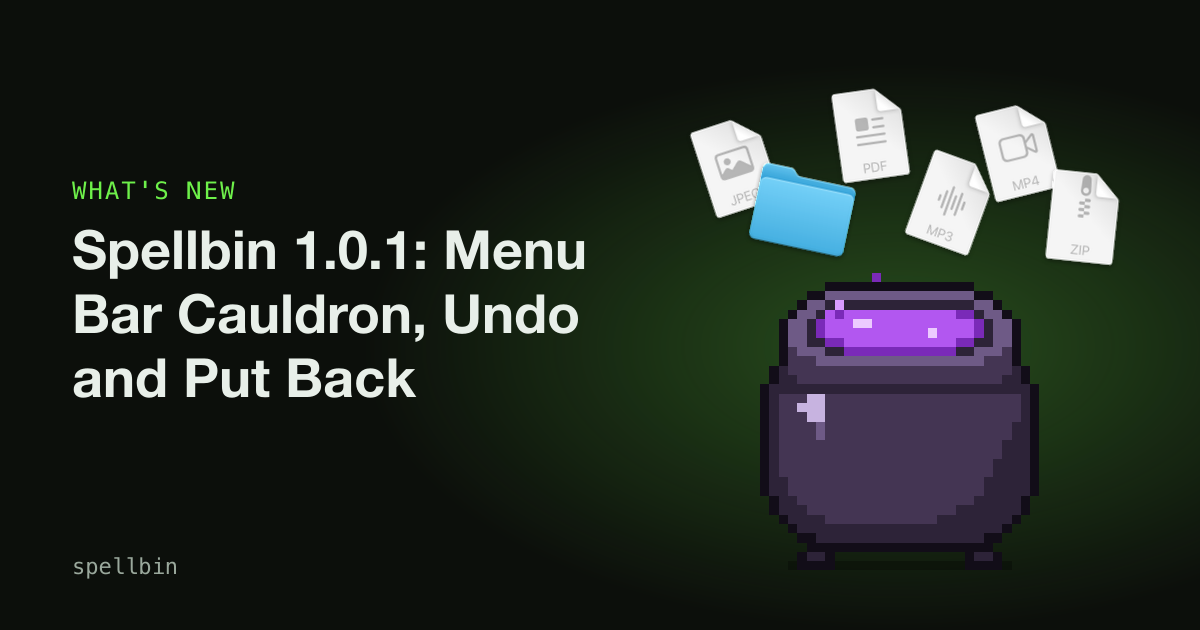
Quick answer: Spellbin 1.0.1 adds a cauldron to the Mac menu bar with your stats, quick actions and settings. Bin drops can now be undone, and History rows have Put Back. You can select several rows to restore or delete them together. Big drops run in the background and finish with a swarm.
Spellbin 1.0.0 kept everything in its window. That was fine for admiring your stats and less fine when you only wanted to turn the sizzle off, or check whether the streak survived the weekend.
It also had no way back. Feed the cauldron the wrong folder in Send to Bin mode and you had to go digging in the Bin yourself, which works but gets old quickly. 1.0.1 fixes both.
What does the menu bar cauldron do?
A small cauldron now sits in your menu bar. It is the pot's silhouette in one colour, so macOS tints it to match a light or dark menu bar. Clicking it gives you most of Spellbin without opening the window.
At the top are your numbers: sacrifices, size consumed and your day streak, with a line underneath for today's tally and how many achievements you have.
Under Quick Actions:
- Feed Finder Selection sends whatever is selected in Finder to the cauldron, the same as ⌘⌫. It needs Finder Automation but not Accessibility, so it works for people who would rather not grant the shortcut its permissions.
- Put Back undoes your last Bin drop.
- Test the Flames plays a burn without touching any files.
- Open the Bin opens the real macOS Bin.
- Recent Sacrifices lists your last ten. Click one that is still in the Bin and it goes back where it came from.
Under Settings are the toggles from the window (Dissolve forever, Ask before dissolving, Sizzle sound, flames above the Dock, ⌘⌫ in Finder) and a Cauldron submenu for switching between the skins you have unlocked.
Why: Spellbin is mostly something you glance at. A menu bar item suits that better than a window you have to open, read and close.
Don't want it? Choose Hide Menu Bar Icon from the menu, or turn off "Show in the menu bar" in the Settings tab. The same toggle brings it back.
Can you undo a drop in Spellbin?
Yes, as long as the drop went to the Bin. Each drop counts as one Undo, however many files were in it. Press ⌘Z in Spellbin, or choose Edit > Undo, and the whole drop goes back.
If you fed the cauldron with ⌘⌫ in Finder, pressing ⌘Z in Finder straight afterwards undoes the Spellbin drop rather than whatever Finder did last. Press any other key or click anything first and ⌘Z goes back to being Finder's.
Dissolve forever drops have no undo. That has always been the point of them.
How does Put Back work in History?
Every History row that is still in the Bin has a Put Back button. Click it and the file returns to the folder it came from. If that folder has since been deleted, Spellbin makes it again.
Put Back never overwrites anything. If a file with the same name is already there, the returning one gets " 2" added before its extension, the way Finder does it. If the item has gone from the Bin in the meantime, the row says "No longer in the Bin" and Spellbin tells you it could not put it back.
Putting something back does not take away its achievement credit or its place in your tallies. The cauldron remembers what it was offered.
For the wider picture of Put Back, Undo and Time Machine, see our guide to recovering deleted files on a Mac.
How do you restore or delete several files at once?
History now supports multi-select. ⌘-click to pick individual rows or ⇧-click to pick a range. The button under the list changes to "Restore 3 Files" and "Delete 3 Files…". The same two commands are on the right-click menu, and the Delete key does the delete.
Delete removes the files from the Bin for good. First it asks the same question Finder asks before Delete Immediately: are you sure, because you can't undo this. It only works on items that are still in the Bin.
Rows you have restored or deleted stay in History, greyed out and labelled "Put back" or "Deleted immediately", so you can still see what happened.
Why: cleaning up after a big drop one row at a time was tedious. Finder's Bin lets you put back or delete a whole selection, so Spellbin's History should too. If you want the detail on what Delete Immediately actually does, our explainer on what happens when you delete a file on a Mac covers it.
What changed for big drops?
A big drop is now handled as one batch. The file work runs in the background, so the window and the menu bar stay responsive while a large folder is sized and binned.
Drops of three or more items get a swarm. Up to ten of the dropped icons circle the pot and get pulled into the flame one by one. Anything past the tenth burns without being shown, because a hundred icons orbiting the Dock would be a screensaver. One and two items still get the usual burn each.
The swarm needs the flame to escape above the Dock, which uses the Accessibility permission (our permissions page explains why). Without it, a big drop plays one ordinary burn inside the Dock icon.
The rest of the batch changes cut down the noise:
- One alert for failures. If some items can't be taken, you get one summary listing them, not one alert per file.
- One round of notifications. Achievements unlocked by a drop arrive together once the drop is done.
- One sizzle per drop.
- No double helpings. Holding ⌘⌫ asks Finder once. A file that is already being worked on can't be fed again by a second drop, and the same file twice in one drop counts once.
What else is fixed in 1.0.1?
The Spellbin window can be resized. It remembers its size and position, never opens taller than the space between the menu bar and the Dock, and keeps a readable column in the middle when you make it wide. The Settings tab scrolls on small screens.
Thumbnails in big drops. If one of the first items in a drop can't be moved, Spellbin pictures a later one instead, so the flame still has something recognisable to carry.
⌘⌫ with a big selection. Spellbin now asks Finder for the whole selection in one request rather than going through it item by item.
How to get Spellbin 1.0.1
- Already have Spellbin? Choose Check for Updates… in the Spellbin menu. Spellbin also checks once a day on its own and offers the update when it finds one.
- Install it. Click Install Update, then Install and Relaunch. Your licence key stays put, so there is nothing to re-enter.
- New to Spellbin? Download the latest version and drag it into Applications. Our getting started guide walks through the permissions and first drop.
- Find the cauldron. Look in the menu bar. If you would rather not see it, Hide Menu Bar Icon is right there in the menu.
Spellbin, if you're new here
You probably already clear your Desktop with ⌘⌫ and empty the Bin now and then. That works fine, and nothing here is meant to replace it.
Spellbin adds a pixel-art cauldron to the Dock beside the Bin. Whatever you drop on it burns in a green flame, counts towards achievements and unlocks new cauldron skins. It is a one-off $1.99 for one Mac, or $4.99 for the Coven, one key for up to five. There is no trial, but there is a 14-day money-back guarantee.
Every drop can come back now, unless you chose Dissolve forever.
Frequently Asked Questions
Is Spellbin 1.0.1 a free update?
Spellbin 1.0.1 installs over 1.0.0 through Check for Updates… in the Spellbin menu, and the licence key you already activated keeps working. Spellbin is a one-off purchase with no subscription, so the update does not ask you to buy anything or enter a new key.
Does the Spellbin menu bar icon need any permissions?
The Spellbin menu bar icon needs no permissions to show your stats, change settings or switch skins. Feed Finder Selection needs Finder Automation so Spellbin can ask Finder what is selected. It does not need Accessibility, which only the ⌘⌫ shortcut and the escaping flame use.
Can Spellbin put back files from Dissolve forever mode?
No. Spellbin's Dissolve forever mode deletes files outright instead of moving them to the Bin, so there is nothing for Put Back or Undo to return. That is why Spellbin asks before dissolving by default. Put Back and Undo only work for drops made in Send to Bin mode.
What happens if I empty the Bin before using Put Back?
Emptying the macOS Bin removes the files Spellbin would put back, so Put Back has nothing to move. Spellbin marks those History rows "No longer in the Bin" and tells you it couldn't restore them. Time Machine or another backup is the next place to look.
Does putting a file back undo my Spellbin achievements?
No. Putting a file back with Spellbin leaves your tallies, streak and achievements exactly as they were. The drop still happened as far as the cauldron is concerned. Deleting a file from the Bin through History leaves them unchanged too.
Final Takeaways
- Click the menu bar cauldron for your stats, Put Back, Recent Sacrifices and every toggle, without opening the window.
- Press ⌘Z straight after a drop to undo it, in Spellbin or in Finder after ⌘⌫.
- ⌘-click or ⇧-click History rows to restore or delete several files at once.
- Grant Accessibility if you want to see the swarm on drops of three or more.
- Update now with Check for Updates… in the Spellbin menu.

Josh Ibbotson
Josh is an indie developer in the UK. He makes Spellbin, a pixel-art cauldron for your Dock, and Gym Note Plus.
Feed the cauldron
Spellbin is $1.99 once, for macOS 14 or later, with a 14-day money-back guarantee. Drop files on it, unlock skins, keep your Desktop tidy.
Get Spellbin for $1.99Already bought Spellbin? Download it here