Quick answer: You can make deleting files on a Mac more fun without risking anything. Switch the Bin's sound effect on, triage with Quick Look before you delete, build a Quick Action or Folder Action, try a drop-target app such as Dropzone or Yoink, hold a weekly bin night, or feed your files to a cauldron.
Deleting files is the washing up of computing. Nobody puts it off because it is hard. They put it off because it is boring, and the Desktop quietly fills with screenshots called "Screenshot 2026-10-03 at 14.12.07".
Below are a few ways to make the chore less dull. None of them change what the Bin actually does. For that (Put Back, Empty Bin, which shortcut does what), see our guide to what happens when you delete a file on a Mac.
Can you change the Bin's icon in the Dock?
Not on a current Mac, no. The Bin's empty and full pictures are image files inside Dock.app, in /System/Library/CoreServices. That folder is part of the signed system volume, which Apple's platform security guide describes as read-only and cryptographically sealed, with startup halting if the seal fails to verify.
Old forum guides that tell you to swap trashempty.png for something nicer date from the days when that folder could be edited. Today the honest answer is to leave the Bin alone and decorate around it. Our guide to customising the Dock covers everything you can change, including custom icons for normal apps and folders.
How do you turn the Bin sound on or off?
Open System Settings, click Sound, and toggle "Play user interface sound effects". Apple's Sound settings guide says this switch plays sound effects "when you perform certain actions, such as dragging an item to the Trash".
If you have had it off for years, turn it back on for a week. That little noise when a file lands in the Bin is about the only applause macOS gives you for tidying up. If it drives you mad on video calls, the same switch silences it.
Why use Quick Look before you delete anything?
Because the fun part of clearing out is deciding, and Quick Look makes deciding fast. Select a pile of files in Finder and press the Space bar. Apple's Quick Look guide explains that the arrow keys step through the selection and Command-Return switches to an index sheet showing every item at once.
That turns a Downloads folder into a game of keep or bin. Flick through, note the losers, close Quick Look with the Space bar and delete them in one go. It is much faster than opening each PDF to check it really is the third copy of the same invoice.
Can Shortcuts or Automator handle deleting for you?
Yes, as long as you keep the Bin in the loop. Two built-in tools are worth a look.
Quick Actions
A shortcut can sit in Finder's right-click menu. Apple's Shortcuts guide says to open the shortcut's settings and select "Use as Quick Action", then turn it on under System Settings > Privacy & Security > Extensions > Finder. Control-click a file and it appears under Quick Actions. A "send to the Maybe folder" action is a good first project.
Folder Actions
Apple's Automator guide lists Folder Action as one of its workflow types: a workflow attached to a folder that runs when items are added to it. Automator also has a Move Finder Items to Trash action, and Apple Community users have chained it with Get Folder Contents to empty a folder automatically.
Be careful with that one. A folder that bins anything you drop into it is a trap door, and you will drop something important into it at 11pm. Test with junk first, and never point automation at the Bin's own folders.
Which apps make dragging files around more satisfying?
Drop-target apps give you somewhere to fling files. None of them replaces the Bin. They just give files somewhere better to go than a pile on the Desktop. Prices and requirements come from each developer's own page today.
| App | Price | Where to get it | Best for |
|---|---|---|---|
| Dropzone | $35 lifetime licence, 14-day trial | Direct, Setapp or Mac App Store | Dropping files onto actions: move, AirDrop, compress, upload |
| Yoink | £8.99 one-off, 28-day trial direct | Direct, Setapp or Mac App Store | A shelf at the screen edge that holds files while you decide |
| AppCleaner | No price listed, donations welcome | Direct | Dropping an app on it to find the files it left behind |
Dropzone pops up at the top of the screen when you start dragging, and you drop the file onto an action. Its site lists macOS 13 or later.
Yoink is a shelf for things in limbo. Its Mac page says it needs macOS 10.13 or newer and that the direct, App Store and Setapp versions work the same.
AppCleaner is for apps rather than documents. Version 3.7 is for macOS 15 and later, and older versions are still offered for older Macs.
A weekly bin night
- Pick a night. Same evening every week. Bins go out on a schedule in real life, and it works for the Desktop too.
- Turn on Desktop stacks. Click the Desktop and choose View > Use Stacks, or press Control-Command-0, as Apple's stacks guide explains. Then use Group Stacks By to group them by date.
- Sort Downloads by Date Added. Control-click the Downloads folder in the Dock and sort by date added, one of the options in Apple's Dock folders guide. The oldest items are your first suspects.
- Quick Look the suspects. Select a batch, press Space, step through with the arrow keys and decide.
- Bin with the sound on. Then leave the Bin alone for a few days in case you change your mind.
Something more theatrical
If you have read this far, you clearly think deleting files could be more fun. We agree, and we built an app about it.
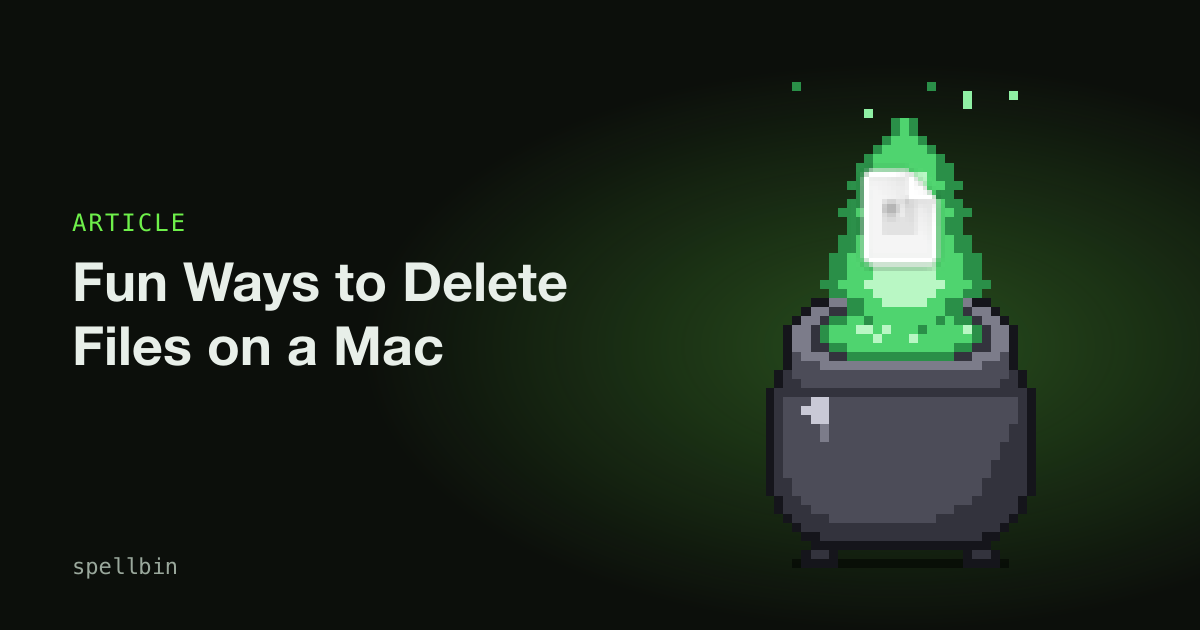
Spellbin is our own small paid Mac app: a pixel-art cauldron that sits in the Dock beside the Bin. Drop a file on it and a green flame carrying the file's thumbnail rises out of the acid and dissolves, and by default the file goes to the real Bin underneath, so Put Back still works.
Think of it as Cookie Clicker where the click is a drop. Every drop counts towards 19 achievements and a stats window with streaks, and unlocks new looks for the pot, 15 skins in all. You can also feed it with Finder's ⌘⌫ once you grant the permissions it asks for. It won't clean your Mac or speed it up. It just gives bin night a bit of a show. The getting started guide shows how it works.
If you want more of this sort of thing, we have also written about how to gamify your Mac and fun Mac apps that do nothing useful.
Deleting files will never be exciting. It can be a little less dull.
Frequently Asked Questions
Can I change the Trash icon on a Mac?
The Mac Bin (the Trash, in US English) cannot be given a new icon on current macOS. Its images live inside Dock.app on the signed system volume, which Apple seals and makes read-only. You can change icons for ordinary apps and folders with Get Info, but the Bin and Finder stay as Apple drew them.
How do I turn off the Trash sound on a Mac?
The Mac Bin sound is controlled by "Play user interface sound effects" in System Settings > Sound. Turn it off and dragging items to the Bin goes quiet, along with other interface sounds. Turn it back on to hear it again. Alert sounds for notifications have their own separate setting on the same page.
Can a Mac delete files automatically?
A Mac can bin files automatically with an Automator Folder Action, which runs a workflow whenever items are added to a chosen folder. Automator includes a Move Finder Items to Trash action. Test any automatic deleting workflow with unimportant files first, because a folder that bins whatever lands in it is easy to misuse.
What is the fastest way to decide which files to delete on a Mac?
Quick Look is the fastest way to triage files on a Mac. Select a group of files in Finder, press the Space bar, and step through them with the arrow keys, or press Command-Return to see an index sheet of all of them. You preview each file without opening any apps.
Is there an app that replaces the Bin on a Mac?
No Mac app can replace the Bin, because macOS keeps the Bin fixed at the end of the Dock. Apps such as Spellbin sit beside it instead. Drop-target apps like Dropzone and Yoink give you other places to drag files, but none of them takes over from the Bin itself.
Final Takeaways
- Leave the Bin's icon alone. It is sealed into macOS, so decorate the rest of the Dock instead.
- Turn the sound on in Sound settings if you want some applause for tidying.
- Triage with Quick Look. Space bar, arrow keys, decide.
- Automate carefully. Quick Actions are safe fun; Folder Actions that delete need testing.
- Give it a schedule. A weekly bin night with stacks and Date Added beats a yearly purge.

Josh Ibbotson
Josh is an indie developer in the UK. He makes Spellbin, a pixel-art cauldron for your Dock, and Gym Note Plus.
Feed the cauldron
Spellbin is $4.99 once, for macOS 14 or later, with a 14-day money-back guarantee. Drop files on it, unlock skins, keep your Desktop tidy.
Get Spellbin for $4.99Already bought Spellbin? Download it here